Home/Office Technologies/Coastal Connect
Coastal Connect · Cloud Communications

Business phone systems, without the surprises.

Coastal Connect is our cloud communications division: VoIP phone systems, cloud faxing and secure cloud printing — configured, supported and monitored by named local techs who know your building.

What we deliver

One partner for
how your office talks.
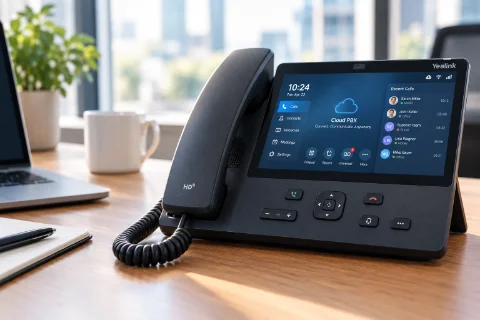
Desk phone / VoIP handset on office desk
01

Cloud phone systems (VoIP)

A hosted phone system with enterprise features and a predictable monthly cost — auto attendants, call routing, voicemail-to-email and reporting from one web portal.

  • Desk phones, softphones & mobile apps
  • Auto attendant, hunt groups & call queues
  • Number porting & multi-site extensions
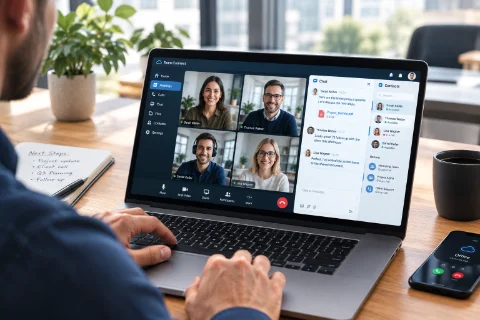
Video call / team collaboration on laptop
02

Unified communications

Calling, video meetings, chat and file sharing in one app on the desktop and phone, including native Microsoft Teams voice and AI-generated call and meeting recaps.

  • Desktop & mobile applications
  • Video meetings & screen share
  • Presence & instant messaging
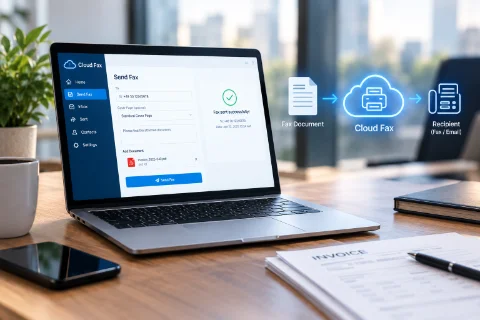
Laptop with digital fax / document sending
03

Cloud faxing

Send and receive fax from email or the copier panel — no analog line, no dedicated machine, with a searchable record of what went where.

  • Fax to and from email
  • Copier & MFP integration
  • Confirmation & audit trail
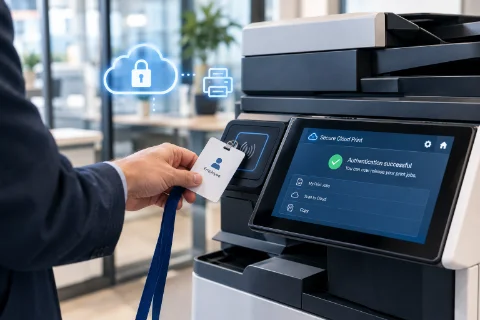
Employee badging in at a copier panel
04

Secure cloud printing

Print from anywhere and release the job at the device with a badge or PIN, so sensitive documents never sit in the output tray.

  • Print from any device or location
  • Badge or PIN secure release
  • Per-user tracking & reporting
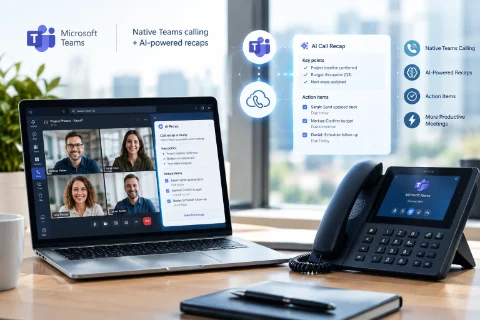
Teams meeting with live AI recap panel
05

Teams integration & AI recap

Native Microsoft Teams calling wired straight into your phone system, with AI-generated call recaps and action items delivered right after every meeting.

  • Direct routing for Teams calling
  • Automatic AI meeting recaps
  • Action items synced to chat
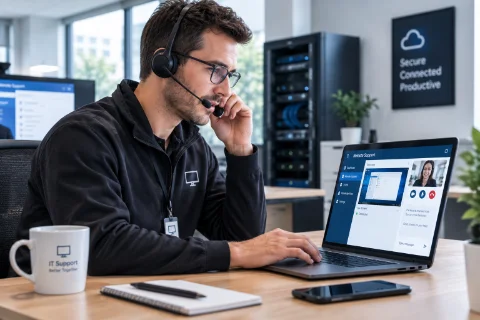
Local technician on a support call
06

Local support & monitoring

Named local technicians, proactive monitoring and moves-adds-changes handled by the same people who installed the system.

  • Named local techs, not a queue
  • Proactive system monitoring
  • Training, moves, adds & changes
Platform

Powered by
Elevate.

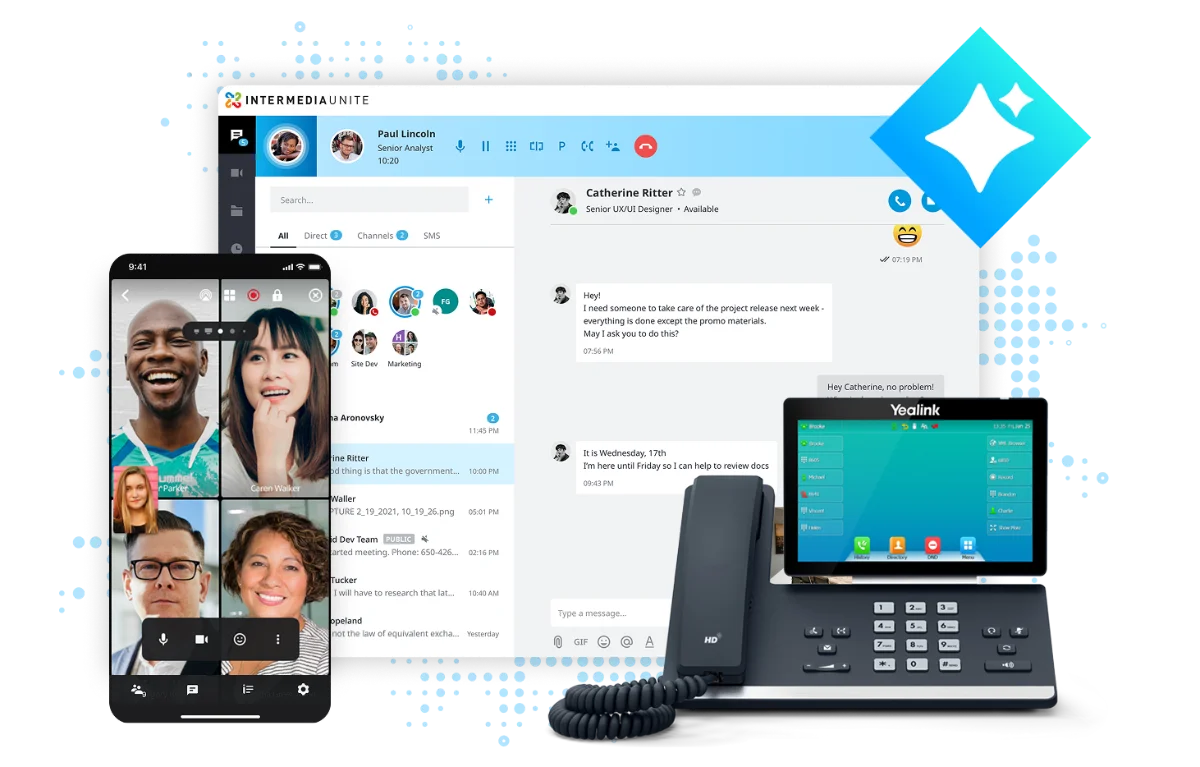
Elevate desktop app on screen, or office phone + laptop

Enterprise features,
local hands.

Elevate brings 90+ calling features, HD voice, video meetings, team chat and desktop and mobile apps under one predictable per-user cost, backed by a 99.999% uptime service level agreement — so the platform underneath your business is one less thing to worry about.

What Coastal Connect adds is the part software can't: a site survey before you commit, configuration built around how your office actually routes calls, on-site installation and training, and a technician who answers when you call.

90+ calling features 99.999% uptime SLA Desktop & mobile apps Teams integration Predictable per-user cost
AI
Call & meeting recap

AI listens in on calls and meetings so nobody has to — automatic summaries, action items and searchable transcripts land in your inbox after every conversation.

AI
AI assistant

A built-in assistant drafts replies, answers questions and translates messages on the fly, right inside the app your team already uses to call and chat.

MS
Voice inside Microsoft Teams

Enterprise calling and SMS live directly in Teams — no second phone license, no second app, no switching windows to take a call.

SMS
Business texting & toll-free

Let customers reach your main or toll-free number by text, and consolidate calling costs onto one flat-rate, single invoice.

◉
Compliance-grade archiving

Calls, meetings, chats and texts are securely captured and retained — built for regulated industries that need a defensible record on demand.

⚡
Built-in business continuity

If the power or the internet goes down at your office, calls automatically reroute to mobile apps and forwarding rules, so the phones keep ringing.

How we engage

A phone cutover
nobody dreads.

Step 01
Walkthrough

We look at your current system, your call flow and your network — and what it's really costing per month today.

Step 02
Recommendation

A plain-English design: seats, handsets, routing and monthly cost, with the trade-offs of each path spelled out.

Step 03
Onboarding

Number porting, provisioning, on-site install and user training, cut over at a time that won't cost you a business day.

Step 04
Continued partnership

The same local techs stay with you for changes, additions and support. You're never routed to a stranger.

Get started

Twenty minutes on your
phone bill, honestly reviewed.

Send us a recent invoice and a rough seat count and we'll tell you whether a move makes sense — including when it doesn't. No pressure, no slide deck.